
This guide explains the core concepts, the equipment that makes AV work, how residential and commercial AV differ, where AV is headed next, and how to plan systems that scale. If you’re evaluating AV for your organization, you’re in the right place.
TL;DR
- Audiovisual (AV) means technologies that combine sound and visuals to communicate, collaborate, and inform.
- We explain “what does audiovisual mean,” what counts as AV equipment, how residential and commercial AV differ, and where AV is heading next.
- Practical examples span corporate, retail, houses of worship, restaurants/sports bars, and education.
What this article covers
- Clear definition of audiovisual and how it’s used today
- What is audiovisual equipment: the core building blocks (audio, video, control, networking)
- Residential vs commercial AV: key differences in design, standards, and scalability
- Real-world commercial AV applications by vertical
- How AV systems are designed, integrated, and supported
- The future of AV technology (AV-over-IP, AI, immersive experiences, and sustainability)
- FAQs, sources, and how to get started
Who it’s for
- Corporate, retail, churches/houses of worship, restaurants, sports bars, educational institutions, and any organization evaluating commercial AV
- IT leaders, facilities managers, operations leaders, educators, communications teams, and business owners
Quick definition
- Audiovisual (AV) technologies combine audio (speech, music, alerts) and visual (video, graphics, signage) elements so audiences can see and hear information simultaneously.
“The global Pro AV industry is projected to grow from $332 billion in 2025 to $402 billion by 2030 (3.9% CAGR).” – Source
What does audiovisual mean?
The core definition
Audiovisual (AV) means technologies and experiences that use sound and visuals together – so people can see and hear information at the same time. In plain English: AV is the combination of speakers, microphones, displays, cameras, and control systems that deliver messages clearly and engagingly.
“Audiovisual (AV) is electronic media possessing both a sound and a visual component.” – Source
Everyday examples
- Digital signage in a lobby with background music or voiceovers
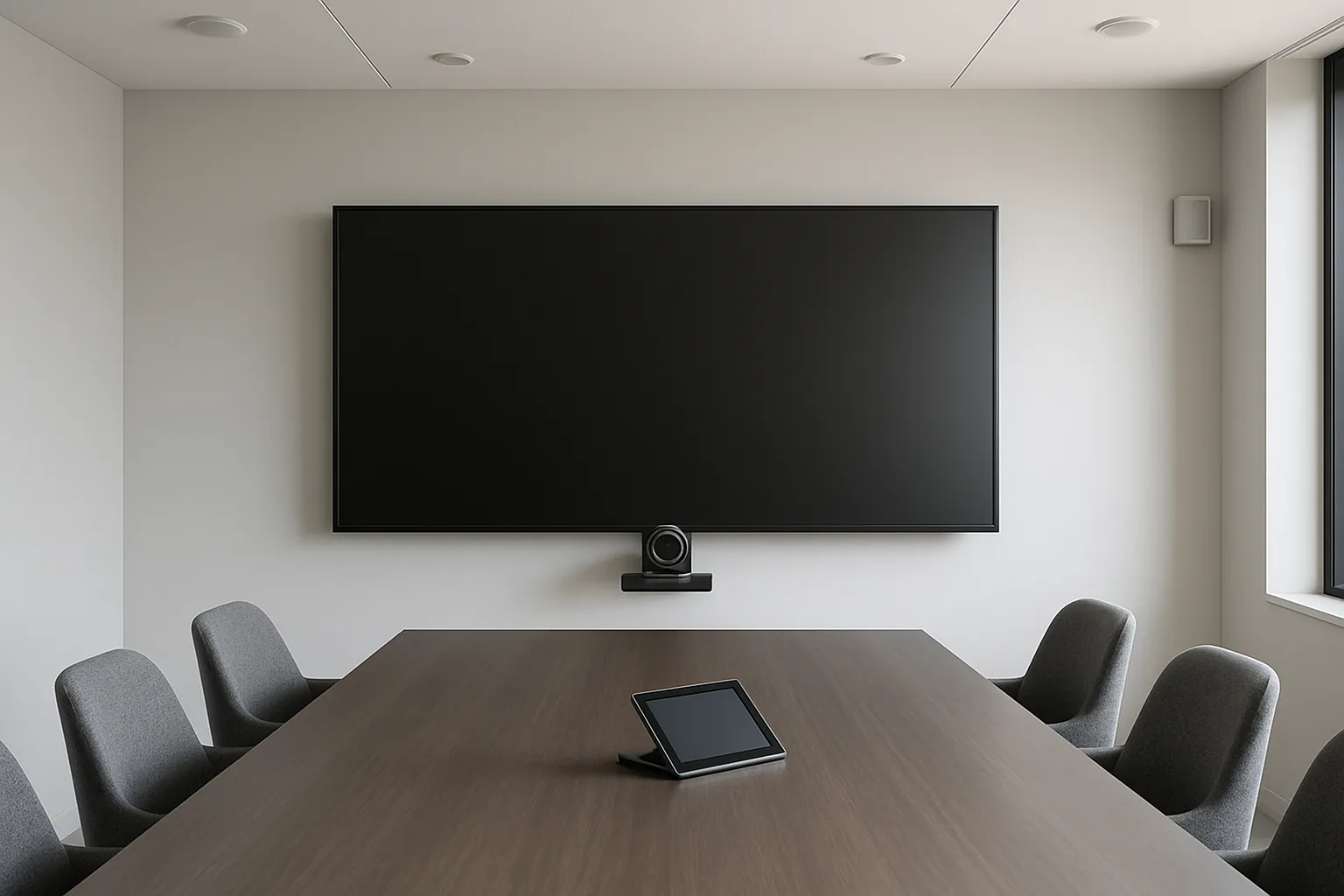
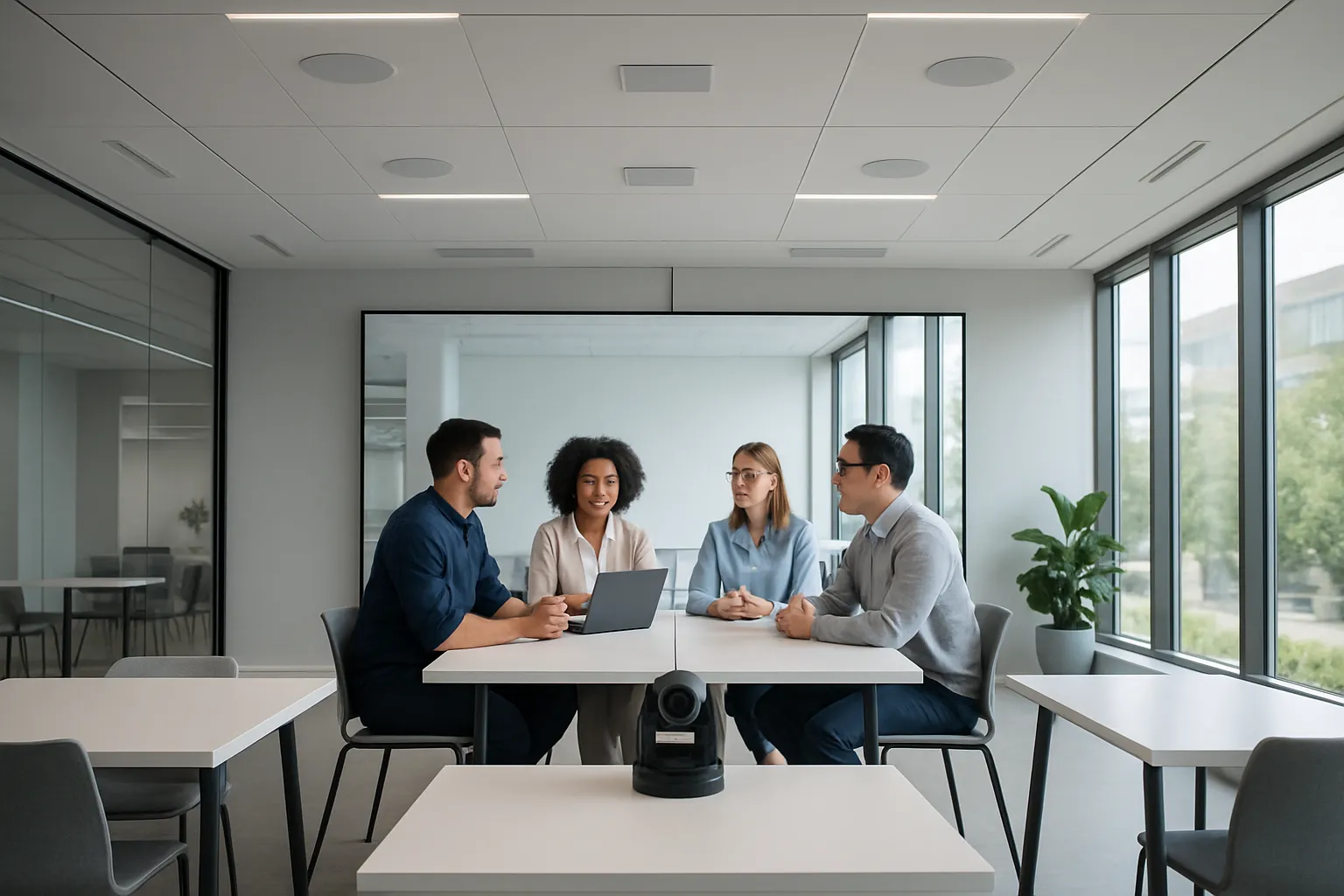
- Video conferencing in meeting rooms (cameras, microphones, speakers, displays)
- Live-streamed church services with IMAG, lyrics, and sermon audio
- Classroom projectors paired with speakers for lessons and films
- Museum exhibits with narration, synchronized lighting, and video clips
Audiovisual vs audio-only vs visual-only
- Audio-only: radio, public address (PA) announcements, podcasts, intercoms
- Visual-only: posters, infographics, silent displays, static wayfinding
- Audiovisual: anything synchronizing sound and visuals – presentations, lectures, broadcasts, hybrid meetings, esports streams, town halls
Short history and why AV matters now
AV has evolved from slide projectors and overhead transparencies to software-driven, networked, and cloud-managed systems. Today’s AV runs over IP networks, integrates with unified communications platforms, and is monitored remotely. Hybrid work, digital-first customer experiences, and data-driven spaces are accelerating adoption – making AV a core part of how organizations communicate, collaborate, train, and engage audiences. As you evaluate what is audiovisual equipment and what is audiovisual technology for your environment, think beyond single devices to the end-to-end experience and outcomes you want to deliver.
What is audiovisual equipment?
Audiovisual equipment is the collection of hardware and software that captures, processes, transports, controls, and presents sound and visuals together. If you’ve ever asked “what is audiovisual equipment” or “what is audiovisual technology,” think of it as the ecosystem that makes meetings intelligible, classrooms engaging, worship services immersive, and venues impactful.
Core building blocks
- Audio chain
- Microphones: ceiling array, table/boundary, handheld/lavalier wireless
- DSP (digital signal processing): echo cancellation, mixing, EQ, routing
- Amplifiers: power delivery to loudspeakers
- Speakers: ceiling, pendant, surface-mount, line array, subs
- Assistive listening: IR/RF/Wi‑Fi systems, hearing loops
- Visual chain
- Cameras: PTZ, fixed, auto-framing, tracking
- Switchers/scalers: route and normalize mixed video sources
- Media players: signage and playback devices
- Projectors: laser, short-throw/ultra-short-throw, large-venue
- Flat panels/LED walls: LCD displays, direct-view LED (dvLED)
- Control & user experience
- Touch panels and keypads
- Room controllers and processors
- Automation and scheduling
- Occupancy and environmental sensors
- Networking & transport
- Cables: HDMI, SDI, USB-C for local connectivity
- IP-based audio/video: NDI, Dante, AES67, SMPTE ST 2110
- Power over Ethernet (PoE/PoE+/UPoE) for devices like mics, cameras, and touch panels
Product category examples (with vendor links)
- Beamforming mics: Shure Microflex Ecosystem – https://www.shure.com/en-US/solutions/microflex-ecosystem
- Room solutions: Logitech Rally Bar – https://www.logitech.com
- Control systems: Crestron – https://www.crestron.com and Extron – https://www.extron.com
- DSP & UC platforms: Q-SYS – https://www.qsys.com
- Projectors/displays: Epson Pro – https://epson.com
- Assistive listening: Listen Technologies – https://www.listentech.com
Component-to-function matrix
| Component | What it does | Example brand/model |
|---|---|---|
| Microphones (ceiling/table/wireless) | Capture speech clearly; beamforming arrays track talkers and reject noise | Shure MXA920 (ceiling array) |
| DSP (digital signal processor) | Mixes, routes, cancels echo/noise, applies EQ/automix for clarity | Q-SYS Core Nano; Biamp TesiraFORTÉ |
| Amplifiers | Provide power to speakers with the right wattage/impedance | QSC CX-Q; Crown DCi Series |
| Speakers (ceiling/surface) | Reproduce speech and program audio evenly across the room | QSC AC-C6T; JBL Control 25-1 |
| Cameras (PTZ/auto-framing) | Capture video of presenters and participants; enable hybrid meetings | Logitech Rally Camera; PTZOptics Move 4K |
| Switchers/scalers | Route multiple sources and scale to match display/projector resolutions | Extron IN1808; Crestron DMPS3 |
| Displays/LED walls | Present content in bright, high-contrast formats for various sizes | Samsung QMR series; Planar TVF LED |
| Projectors | Large images for classrooms, auditoriums, and sanctuaries | Epson Pro L Series laser |
| Control panels | Provide one-touch start, source select, volume, and presets | Crestron TSW-1070; Extron TLP Pro |
| UC appliances | Dedicated compute for Teams/Zoom/Meet rooms | Logitech Rally Bar; Poly Studio X52 |
| Media players | Play signage, videos, and dashboards on schedules | BrightSign LS5/HD5 |
| Assistive listening | Deliver inclusive audio via IR/RF/Wi‑Fi or induction loops | Listen Technologies ListenWIFI/ListenIR |
How components fit together
- Typical signal flow
- Capture: microphones and cameras pick up speech and video
- Processing: DSP cleans and mixes audio; cameras auto-frame; switchers scale sources
- Distribution/transport: HDMI/USB-C for local; AV-over-IP (NDI, Dante, AES67) for networked routing
- Control: touch panel presets automate power, source selection, camera positions, and volume
- Output: speakers and displays/projectors render the experience
- Monitoring: cloud or on-prem tools alert on device status, uptime, and usage
- Accessibility overlays
- Assistive listening over IR/RF/Wi‑Fi and hearing loops
- Live captions and transcripts from UC platforms or caption encoders
- Security overlays
- Device hardening: change defaults, limit services, apply firmware updates
- Credentialing: role-based access via SSO/MFA to control and management platforms
- Network segmentation: VLANs for AV, QoS for media packets, and locked-down inbound ports
When you evaluate what is audiovisual technology for your organization, consider not just the individual products but how the full chain integrates – ensuring intelligibility, reliability, ease of use, accessibility, and security at scale.
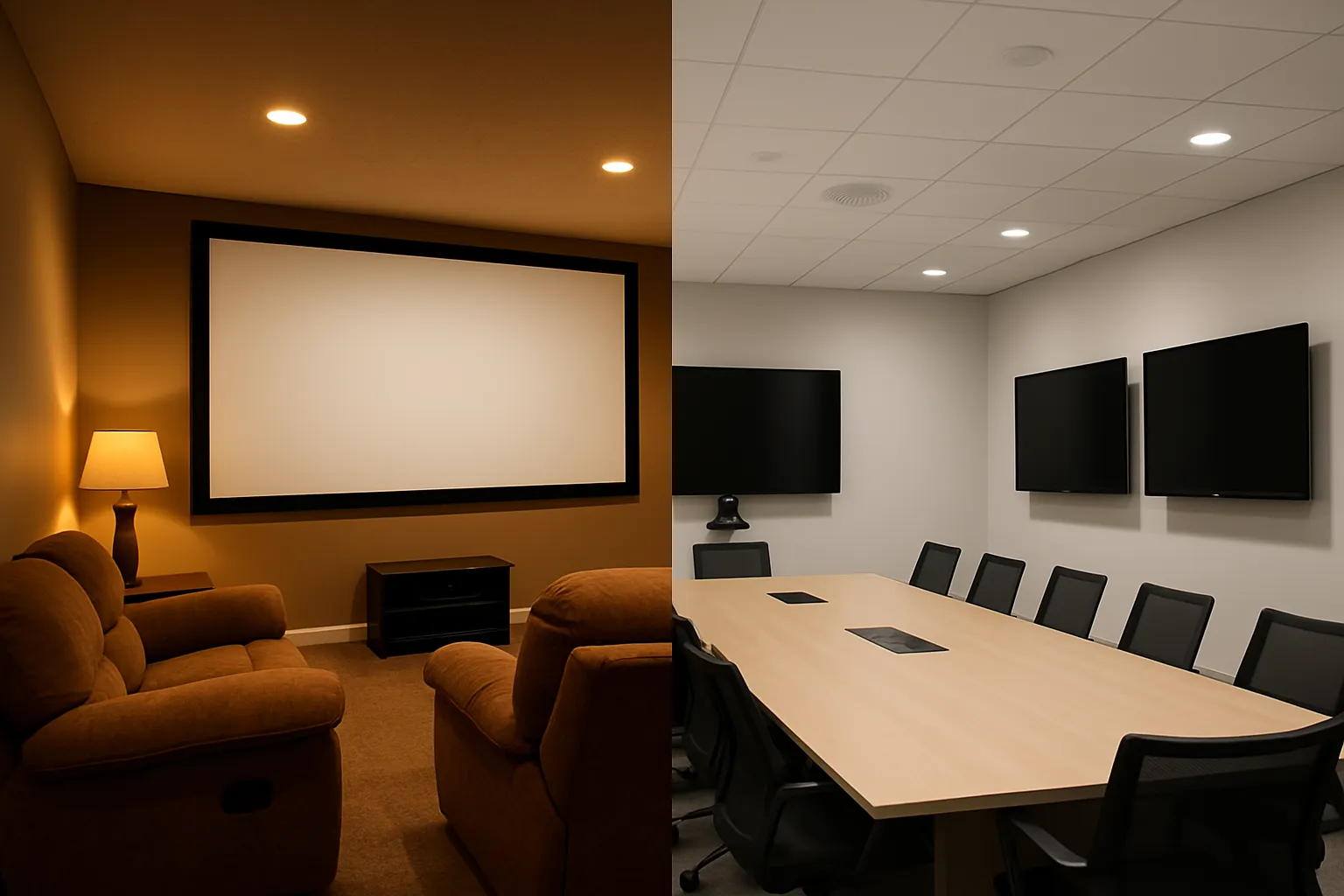
Residential vs commercial AV
Choosing between residential and commercial AV isn’t just about product features – it’s about designing for different codes, uptime expectations, security postures, and operational realities. Understanding these differences helps you avoid over-specifying for a home or underbuilding for a business.
Why it matters
- Different codes, duty cycles, scalability needs, interoperability expectations, and support models.
Key contrasts
- Reliability and uptime (SLA expectations)
- Standards and compliance (ADA, fire code, IT security)
- Device management at scale (monitoring, firmware, cloud)
- Acoustic treatment and speech intelligibility targets (STI/NC)
- Content policies/rights in public venues
Buying and deployment models
- Consumer retail vs integrator-led design, programming, commissioning, and lifecycle services
Residential vs commercial comparison
| Dimension | Residential | Commercial | Why it matters |
|---|---|---|---|
| Reliability & uptime | Best-effort; downtime tolerated | High availability; SLAs and redundancy | Meeting rooms, classrooms, and venues must be ready on schedule |
| Control experience | App remotes, voice assistants | Touch panels, standardized presets, occupancy automation | Consistent UX reduces training and support tickets |
| Networking | Consumer Wi‑Fi/LAN; limited VLANs | Segmented networks, QoS, AV-over-IP, 802.1X | Ensures performance, security, and predictable latency |
| Scalability | Single site, few rooms | Multi-site, hundreds of rooms and devices | Centralized templates and repeatable standards are essential |
| Compliance & safety | General electrical/building code | ADA, fire code, egress, NEC/UL, IEC, accessibility | Legal and safety requirements drive design choices |
| Security | Basic passwords, home routers | Hardening, SSO/MFA, certificate auth, logging | Protects data, limits attack surface on enterprise networks |
| Acoustic targets | Comfort, entertainment | STI/NC targets, paging intelligibility | Speech clarity and announcements must be reliable |
| Content licensing | Personal/home use | Business/public performance rights | Avoids fines; governs music/TV in public spaces |
| Management & monitoring | Manual updates | Cloud/on-prem monitoring, firmware management | Proactive maintenance prevents outages |
| Total cost of ownership (TCO) | Lower CapEx; minimal OpEx | Higher CapEx plus managed services | Lifecycle services reduce downtime and extend asset life |
Commercial AV use cases by vertical
The right commercial AV strategy aligns technology to outcomes – driving clarity, engagement, and measurable impact. Below are practical examples by vertical and the results organizations can expect.
Corporate offices
- Spaces
- Huddle rooms, conference rooms, boardrooms, training spaces
- Technologies
- UC platforms like Microsoft Teams (https://www.microsoft.com/microsoft-teams) and Zoom (https://zoom.us)
- One-touch room start, wireless/wired content sharing, automated camera framing, beamforming mics, DSP for echo/noise control
- Room scheduling panels, occupancy sensors, cloud monitoring and analytics
- Outcomes
- Faster decisions and reduced meeting friction
- Inclusive hybrid meetings with intelligible audio and clear video
- Consistent user experience across rooms and sites
Retail
- Experiences
- Digital signage, interactive product displays, background music, queue/promo messaging
- Technologies
- Media players and signage CMS, touch or motion-sensor interactivity, simple paging, zone-based audio
- Networked content distribution for multi-store rollouts
- Outcomes
- Lift in conversions, cross-sell/upsell, and dwell time
- Brand consistency and rapid content updates at scale
- Atmosphere that matches time-of-day, season, and promotions
Houses of worship
- Experiences
- IMAG (image magnification), live streaming, assisted listening, acoustical treatment
- Technologies
- PTZ cameras, switchers, projection or LED walls, broadcast/streaming encoders
- Assistive listening (IR/RF/Wi‑Fi), speech-optimized speaker coverage, stage mics + choir mics with DSP
- Outcomes
- Intelligibility for spoken word and music
- Inclusion for congregants with hearing needs
- Extended reach to remote or overflow audiences
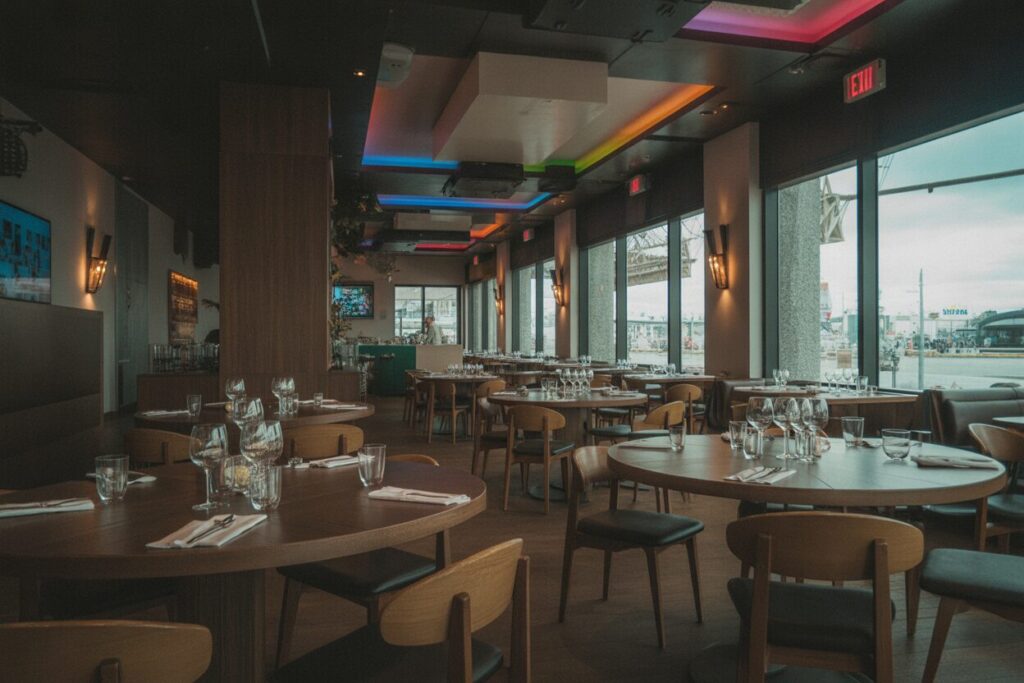
Restaurants and sports bars
- Experiences
- Multi-zone audio, multi-source video distribution (games, news, promos), paging, menu and promo signage
- Technologies
- Matrix switchers/AV-over-IP for routing any source to any display
- Distributed audio with venue-appropriate coverage, easy preset control for staff
- Outcomes
- Immersive game-day experience and higher average check
- Timely promotions with dynamic signage
- Consistent ambiance across zones and locations
Education
- Spaces
- Classrooms, lecture halls, labs, libraries, active learning rooms
- Technologies
- Interactive panels and annotation, lecture capture and streaming, sound reinforcement, wireless presentation, flexible furniture + mobile carts
- Centralized device management, scheduling, and analytics
- Outcomes
- Higher student engagement and accessibility (captions, assistive listening)
- Reliable hybrid learning and content capture
- Standardized, easy-to-use classrooms that reduce support tickets
Across all verticals, commercial AV focuses on interoperable systems, predictable UX, and lifecycle services – turning what is audiovisual technology into measurable business outcomes.
How commercial AV is designed
Designing commercial AV is a disciplined process that aligns people, spaces, and technology to clear outcomes. Below is how we approach it at The Audiovisual Consultant.
Discovery and requirements
- Stakeholder interviews to capture goals, success metrics, and constraints
- Use-case mapping by space type (huddle, conference, training, classroom, sanctuary, retail zone)
- Capacity and coverage requirements (seats, zones, camera sightlines)
- Accessibility (ADA/ANSI): pathways, sightlines, assisted listening, captioning, reach ranges
Acoustic and visual design fundamentals
- Speech intelligibility (STI) targets by room type; background noise (NC) limits
- Room acoustics: reverberation time (RT60), absorption/diffusion, isolation
- Visual ergonomics: viewing distances, sightlines, ambient light management, contrast
- Projection and display: image size calculations, throw ratios, projector lumens, LED pixel pitch
Standards and best practices
- AVIXA standards and recommended practices; local building and fire codes
- Accessibility compliance: ADA/ANSI for reach, signage, and assisted listening coverage
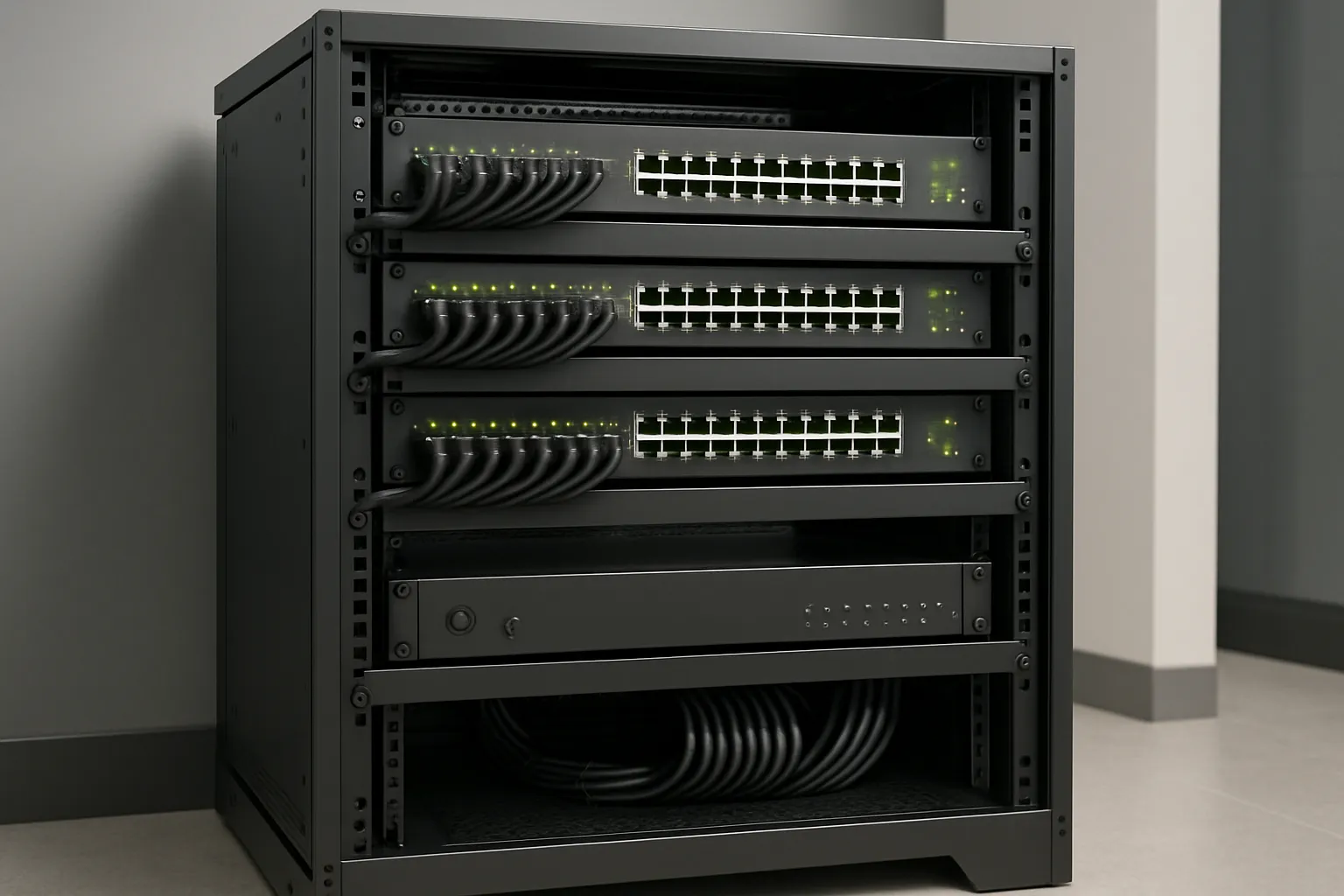
- Electrical and grounding: dedicated circuits, surge/SPD, thermal and rack ventilation
- Interoperability and media transport: Dante, AES67, NDI, SMPTE ST 2110
- Signal integrity: validated cabling (HDMI/SDI/Cat), bandwidth margins, EDID/HDCP handling
AV-IT convergence (security and manageability)
- Network design: VLANs for AV, QoS for real-time media, multicast for AV-over-IP
- Power and infrastructure: PoE/PoE+ budgeting, UPS, redundancy
- Security: credentialing (SSO/MFA), cert-based auth, port profiles, least-privilege access
- Lifecycle management: firmware baselines, patch windows, RMM/monitoring, alerting, logging
“The lines that once separated AV, IT and security are blurring more every day.” – Source
Documentation and user experience
- Drawings: floor plans, reflected ceiling plans (RCP), single-line and riser diagrams
- Rack elevations and cable schedules with labeling conventions
- Control UI wireframes and prototypes; room presets; accessibility considerations
- Commissioning checklists, user acceptance testing (UAT), and training plans
- Post-deployment: runbooks, monitoring dashboards, and service-level expectations
Implementation and lifecycle
Commercial AV success isn’t just about installation – it’s about adoption. A well-run lifecycle ensures systems are predictable to use, easy to support, and continuously improved.
Procurement to commissioning
- Staging and pre-configuration in a lab to validate integrations and firmware
- Installation with cable management, labeling, and standards-aligned mounting
- Programming and UI presets aligned to your room types and workflows
- Device registration, certificate management, and network onboarding (VLANs/QoS)
- Acceptance testing and sign-off using documented performance criteria
Training, documentation, and change management
- Role-based training: quick-starts for end users; deeper sessions for super-users and admins; runbooks for IT
- In-room help: on-screen tips, QR codes to guides, helpdesk shortcuts
- Tiered support model: L1 for user issues, L2 for room resets, L3 for integration and network changes
- Change control: maintenance windows, version control for code/config, rollback plans
Run-state operations
- Remote monitoring and alerting (device status, packet loss, temperature, uptime)
- Service-level agreements (SLAs) for response/restore times and spares strategy
- Firmware and security patch management with approved baselines
- Usage analytics to right-size rooms, licenses, and support staffing
- Incident response playbooks: triage, escalation, root-cause, and problem management
Measuring success
- Adoption KPIs: room utilization, meeting join success rate, NPS, support tickets per room, time-to-first-content
- Experience KPIs: speech intelligibility scores (where applicable), echo complaints, reconnection attempts
- Operational KPIs: mean time to restore, percentage of rooms on current firmware, proactive vs reactive tickets
“58% of U.S. workers – about 92 million people – have the option to work from home for all or part of the week.” – Source
What is audiovisual technology becoming?
The next era of AV is software-driven, network-native, and insight-powered. Here’s how to plan for what’s next.
AV-over-IP everywhere
- Standards progression is accelerating:
- SMPTE ST 2110 dominates in broadcast and high-end production
- NDI brings flexible, software-friendly video transport to prosumer, education, and corporate studios
- AES67 enables audio interoperability across Dante, Q‑LAN, and other networked audio ecosystems
- Expect multicast-savvy networks, IGMP tuning, and clocking discipline to be table stakes.
AI-enhanced experiences
- Auto-framing and voice-tracking cameras keep the active speaker in view
- AI-driven noise suppression and dereverberation improve clarity in challenging rooms
- Live transcription, translation, and meeting summaries boost accessibility and productivity
Immersive and spatial
- Direct-view LED walls for high brightness and seamless canvases
- Multi-projector edge blends for large formats and domes
- Spatial audio for realism and intelligibility in hybrid rooms
- XR learning labs and experiential retail to deepen engagement
Unified management and analytics
- Cloud-first monitoring and device configuration streamline ops
- Usage analytics inform space planning and right-sizing
- Policy-driven firmware and security baselines reduce risk
Sustainability by design
- Energy-efficient displays and laser projectors
- PoE/standby strategies and occupancy-based automation
- Lifecycle planning: modular upgrades, repairability, and circularity with responsible recycling
Practical next steps
- Design for flexibility: modular I/O, scalable codecs, and standards-based transports
- Choose gear that supports SMPTE ST 2110/NDI/AES67 where appropriate
- Require open APIs, exportable logs, and third-party management compatibility
- Plan for management from day one: naming conventions, monitoring, and software baselines
Frequently asked questions
1) What’s the difference between AV equipment and IT equipment?
- AV focuses on capturing, processing, transporting, and displaying sound and visuals. IT focuses on data networking, identity, and security. In practice, most AV devices are now IP-based and rely on IT networks, policies, and management – so AV and IT teams must collaborate closely.
2) Is digital signage considered audiovisual technology?
- Yes. Digital signage is AV: it combines visual content (graphics, video, wayfinding) and, where appropriate, audio messaging. It’s delivered via media players, CMS software, networked displays, and often ties into enterprise content and data sources.
3) What’s the best starting point to upgrade our meeting rooms?
- Standardize on a UC platform (Microsoft Teams or Zoom), define 2–3 room “blueprints” for your most common spaces, specify consistent devices for repeatability, and require remote monitoring/management so rooms stay healthy and user-ready.
Sources and further reading
- Audiovisual (Wikipedia): https://en.wikipedia.org/wiki/Audiovisual
- Vocabulary.com definition of “Audiovisual”: https://www.vocabulary.com/dictionary/audiovisual
- AVIXA Industry Outlook and Trends Analysis (IOTA): https://www.avixa.org/insight/market-intelligence
- Commercial Integrator (Alyssa Borelli, 2023) on AV/IT/security convergence: https://www.commercialintegrator.com/security/should-av-integrators-diversify-their-offerings-to-include-security/
- McKinsey American Opportunity Survey (hybrid/remote work): https://www.mckinsey.com/featured-insights/mckinsey-explainers/whats-next-for-remote-work-an-explainer


