

The stakes for accurate floor plan and AV design are higher than ever across corporate offices, higher education, houses of worship, hospitality, and retail. From hybrid-ready conference rooms and lecture capture to sanctuary sound and digital signage, teams need tools that make it fast to visualize spaces and even faster to document signal flow, equipment, and installation details. That’s where purpose-built AV design platforms – and the right RoomSketcher alternative when projects get technical – come in.
What this article covers: a clear, side-by-side review of XTEN-AV X-DRAW vs RoomSketcher focused on real technical capabilities, AI features, collaboration, documentation outputs, and buyer fit for modern AV workflows.
Who it’s for: AV designers/integrators, architects, facility managers, IT/AV leaders, builders, and church tech teams evaluating the right toolset for xdraw AV designs, proposals, and handoff documentation.
TL;DR:
- X-DRAW by xten-av is a purpose-built x-draw system for AV system design – complete AV libraries, signal flow and cable automation, auto-BOM, AI-driven suggestions, and cloud collaboration for the av designer.
- RoomSketcher excels at quick 2D/3D space planning and interior visuals but does not include AV-specific workflows like signal diagrams, cable schedules, or automated BOMs.
Comparison at a glance:
- If you need end-to-end AV workflows (schematics, connections, BOM, proposals), choose X-DRAW.
- If you need fast visuals for floor plans and interiors, RoomSketcher is approachable and effective.
- For enterprise collaboration and repeatable standards, X-DRAW’s templates, cloud-first approach, and AI save time at scale.
“X-DRAW includes a product database of about 1.5 million items from 5,200+ AV brands.” – Source
Feature-by-Feature Snapshot
| Capability | XTEN-AV X-DRAW (xdraw) | RoomSketcher |
|---|---|---|
| AV libraries | Extensive AV-specific symbols and 1.5M+ product catalog; port-level metadata | General home/interior objects; no AV-specific database |
| Signal flow | Intelligent signal routing, auto-connection logic, cable schedules | Not supported; focuses on spatial layout |
| AI features | AI “Search Sense” suggests compatible devices, cables, and fixes | No AV-domain AI; general usability features |
| Collaboration | Cloud-native, real-time multi-user, versioning | Cloud-based project sharing; less technical collaboration |
| Documentation | Auto-BOM, cable labels, proposals, SOW, install guides | Floor plan PDFs and visuals; no AV BOM or signal docs |
| Integrations | Import/export DWG, VSD, PDF; AV workflows, API | Export images/PDF; not geared to CAD/AV integrations |
| 2D/3D visual quality | Professional AV schematics, rack elevations, floor plans | Strong 2D/3D visuals for interiors and real estate |
What Each Tool Is Best At (Use Cases and Buyer Fit)
XTEN-AV X-DRAW: Purpose-built for AV system integration
X-DRAW from xten-av is engineered for end-to-end AV design, making it the stronger choice when projects demand accurate signal flow, documentation, and repeatability across sites.
- Ideal projects:
- Meeting rooms, boardrooms, and training spaces
- Classrooms and lecture halls (single rooms and multi-building campuses)
- Houses of worship with complex audio distribution and IMAG
- Multi-room/campus AV, standardized rollouts, global templates
- Sports bars and restaurants with distributed audio/video and control
- Strengths:
- AV-specific symbol libraries with device metadata for precise av design
- Intelligent signal flow, auto-routing, and cable schedules
- Automated BOMs, proposals, SOWs, and labels tied to the same project data
- AI suggestions (the x-draw system “Search Sense”) that recommend compatible gear and connections
- Cloud collaboration with version control and repeatable templates for xdraw av designs
- Teams that benefit:
- AV integrators and design-build firms
- In-house enterprise AV/IT departments standardizing room types
- AV consultants who need fast, accurate documentation for bids and install
Why choose X-DRAW: If your workflow hinges on port-level accuracy, cable management, automated documentation, and scalable standards, an av designer will move faster and reduce rework with X-DRAW.
RoomSketcher: Fast 2D/3D space planning and visuals
RoomSketcher shines when you need quick, attractive floor plans and interior mockups without deep technical AV features.
- Ideal projects:
- Real estate marketing floor plans and quick space studies
- Interior design layouts and remodel planning
- Early-stage facilities planning and stakeholder visualization
- Strengths:
- Intuitive 2D/3D plans and furniture libraries
- Speed to first visual and client-friendly renderings
- Useful for conceptual layouts prior to technical av design
- Teams that benefit:
- Interior designers and real estate professionals
- Homeowners and small project teams
- Facility planners developing early options and visuals
Why choose RoomSketcher: If your primary need is rapid visual communication and straightforward layouts rather than AV-specific schematics, it’s a user-friendly fit.
Quick decision guide
- Choose X-DRAW if:
- Your project requires AV libraries, signal flow diagrams, cable schedules, rack elevations, and auto-generated BOMs/proposals.
- You need AI-driven gear suggestions and error checks in an AV context.
- You collaborate across teams and sites, and need templates to standardize rooms at scale.
- Choose RoomSketcher if:
- You primarily need fast 2D/3D visuals and interior layouts for stakeholder buy-in.
- Your projects are light on AV technical requirements and documentation.
- You want quick conceptual planning before handing off to an av designer using an AV-focused platform.
Core Design Workflows Compared: From Floor Plan to Signal Flow
2D/3D floor plans and layout
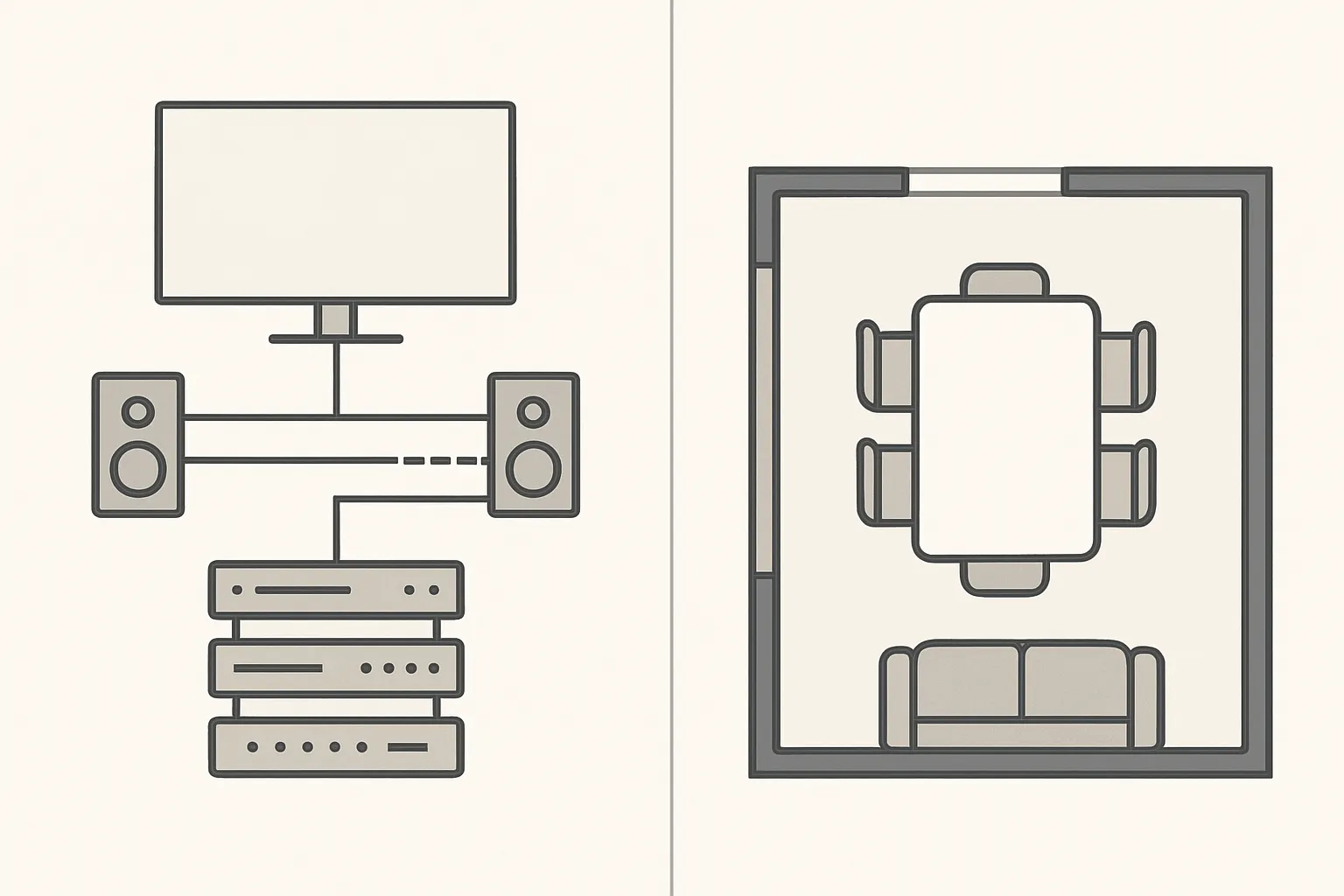
Both platforms offer efficient ways to start with room geometry, but their goals differ. X-DRAW emphasizes accurate measurements, scale handling, and AV-ready templates that map directly to technical deliverables. RoomSketcher focuses on fast 2D/3D visuals, with intuitive drawing tools and walkthrough-ready scenes that help stakeholders grasp spatial intent quickly. For technical elevations and rack views, X-DRAW prioritizes AV documentation fidelity over photorealistic renderings.
3D visualization and walkthroughs vs. technical elevations/rack views
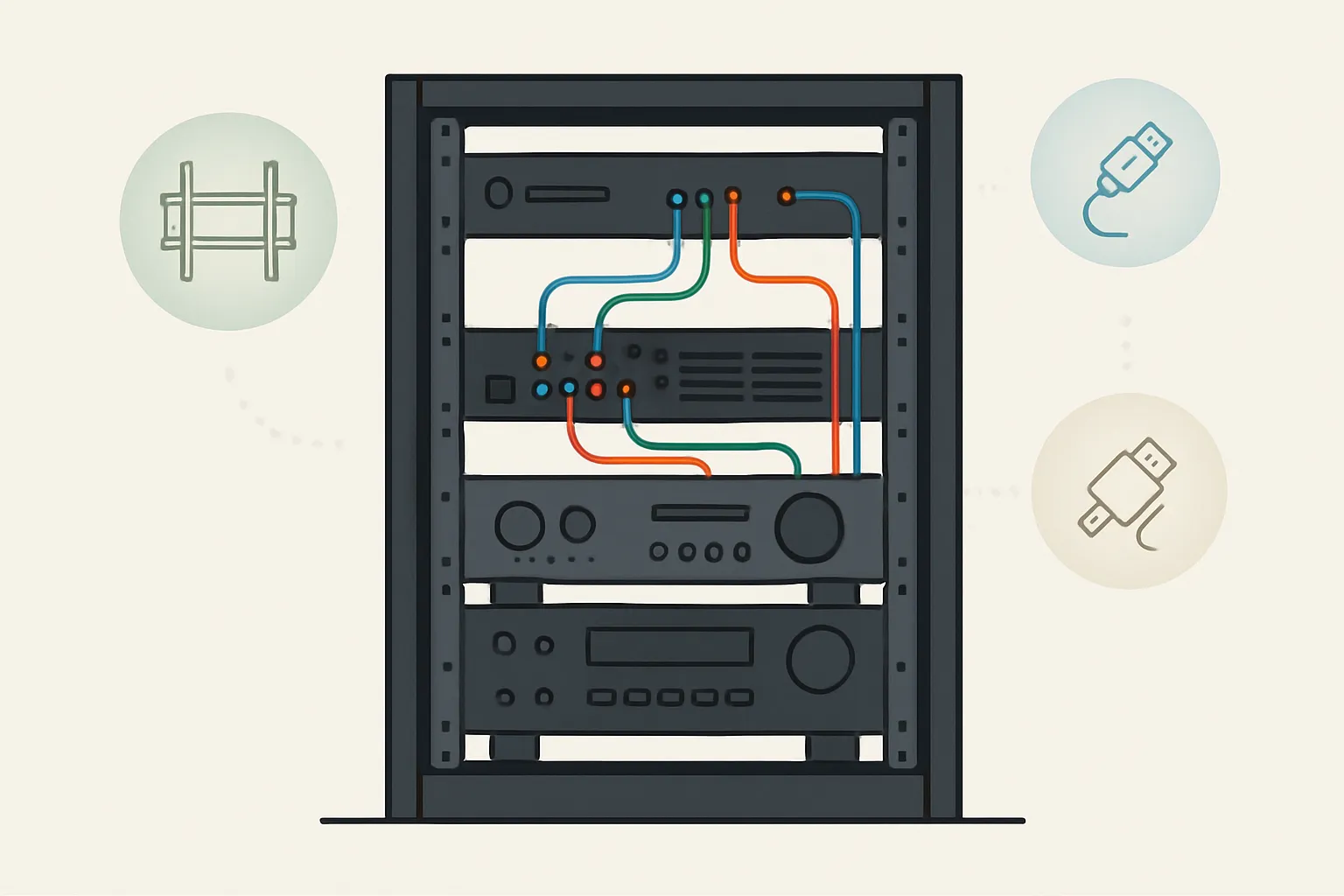
RoomSketcher’s strength is immersive visualization that communicates layout ideas fast. X-DRAW trades showroom polish for precision: rack elevations, device counts, and placement that ties to BOMs, labels, and install notes – essential for construction and commissioning.
AV-specific libraries and metadata
- X-DRAW: Pre-loaded AV devices with dimensions, I/O, mounting info, and manufacturer metadata that flow through to cable schedules, labels, and proposals.
- RoomSketcher: Broad, generic furniture and decor objects ideal for interior planning but not designed for AV connectivity and installation details.
Signal flow and connectivity
- X-DRAW: Intelligent connectors, auto-routing, and validation catch port mismatches, missing terminations, and labeling gaps. Changes propagate to documentation.
- RoomSketcher: Spatial-only layouts with no signal awareness; great for plans, not for wiring diagrams or cable schedules.
Practical outcome
An av designer using X-DRAW produces xdraw av designs faster and with fewer errors because device metadata, connections, and documentation are all linked. In a general planner, managing custom icons and keeping diagrams, labels, and lists in sync becomes manual and error-prone at scale.
AI and Automation: Getting to First Draft Faster
X-DRAW Search Sense and design assistance
X-DRAW’s AI, Search Sense, accelerates technical AV work by understanding device context and recommending the right next step:
- AI-driven component suggestions based on what’s already placed and connected
- Auto-suggests cables, mounts, and adapters; flags port mismatches; fills missing signal links
- Delivers faster first drafts, reduces back-and-forth, and lowers change orders across complex rooms and campuses
RoomSketcher automation scope
RoomSketcher provides efficiency gains rooted in visual speed:
- Drag-and-drop ease, auto-dimensions, and rapid rendering that help sell concepts
- However, it lacks AV domain-specific AI logic for port-level validation, cable types, or labeling automation
Impact on project outcomes
- X-DRAW reduces manual spreadsheet work by auto-generating labels, schedules, and BOMs from the live design model
- Lower error risk in complex signal chains thanks to validation and auto-routing
- When projects need AV-specific automation (signal flow, labeling, BOM), a RoomSketcher alternative like X-DRAW becomes essential
Collaboration, Interoperability, and File Formats
Cloud-native collaboration
- X-DRAW enables real-time multiuser edits, version control, comments, and centralized project data – ideal for distributed AV/IT and construction teams.
- Both platforms are cross‑platform and easily shareable, but X-DRAW keeps schematics, labels, and BOMs synchronized with the same source of truth.
CAD/BIM and ecosystem compatibility
- X-DRAW supports DWG, VSD, PDF, and Excel import/export, with API options to streamline integrations and automate recurring tasks.
- RoomSketcher focuses on presentation-friendly exports for 2D/3D visuals, helpful for stakeholder reviews and early space planning.
Multi-discipline workflows
- AV + architecture + MEP handoffs are smoother when AV metadata, cable schedules, and proposals are generated from the same project model.
- Standardized file formats minimize re-work, allowing architects and engineers to reference AV deliverables confidently.
Buyer note
- The x-draw system avoids out-of-sync files and duplicate work by tying drawings, signal flow, and documentation to a single, cloud-based project.
“X-DRAW’s database spans 1.5M+ products from 5,200+ brands, supporting accurate, up-to-date specifications.” – Source
Documentation and Deliverables: From Design to Install
X-DRAW outputs
- Automated Bill of Materials (BOM) generated directly from your live design
- Cable schedules and labels with lengths, endpoints, and identifiers
- Proposals, scope-of-work, install guides, and as-builts – all tied to the same project data
RoomSketcher outputs
- Professional 2D/3D floor plans and renderings ideal for client-facing visuals
- Less emphasis on technical AV documentation such as signal diagrams, cable schedules, or BOMs
Why this matters for commercial AV
- Compliance, procurement accuracy, installation quality, and future serviceability depend on consistent documentation
- A unified project data model reduces human error, keeps revisions in sync, and speeds handoffs from design to install
Pricing and Total Cost of Ownership (TCO)
| Dimension | XTEN-AV X-DRAW (xdraw) | RoomSketcher | Who Benefits/Notes |
|---|---|---|---|
| Licensing model | Subscription tiers with per-user/team seats; enterprise options (SSO, admin controls, API) | Subscription plans with credits/add-ons for premium outputs | Pick based on team size and whether you need enterprise governance and integrations |
| Core value driver | AV workflow automation: auto-BOM, cable schedules/labels, proposals, SOWs tied to a single x-draw system project | Fast 2D/3D visuals and renderings for client communication | For technical av design and install docs, X-DRAW delivers end-to-end value |
| Collaboration | Real-time multiuser edits, version control, and comments in the cloud | Shareable projects, strong visual collaboration | Distributed AV/IT teams gain more from X-DRAW’s source-of-truth model |
| CAD/BIM I/O | DWG, VSD, PDF, Excel import/export; API for automation | Image/PDF exports and presentation outputs | Multi-discipline handoffs favor X-DRAW; stakeholder visuals favor RoomSketcher |
| Hidden costs avoided | Fewer change orders and reduced rework via signal validation, auto-routing, and unified documentation | May require manual spreadsheets for cables/BOM; potential rework if specs change | X-DRAW minimizes labor hours for av designer teams and installers |
| AI and automation | AI “Search Sense” suggests compatible gear and flags mismatches; accelerates xdraw av designs | No AV-domain AI; speed focused on visuals | X-DRAW shortens design cycles and reduces error risk |
| Training and onboarding | AV-specific templates and standards accelerate repeatable rooms/campuses | Rapid to learn for visuals; limited for AV documentation workflows | AV integrators, in-house AV/IT, and consultants onboard faster with X-DRAW’s domain focus |
| Small teams | Consolidates multiple tools into one AV platform; lower admin overhead and faster quoting | Affordable visuals tool for early-stage planning and client previews | Choose X-DRAW if you produce BOMs/labels; RoomSketcher if you mostly need visuals |
| Large enterprises/campuses | Best for standardized room types, global templates, and compliance documentation at scale | Useful as a supplementary visualizer alongside technical tools | Campuses and multi-site rollouts benefit from X-DRAW’s governance and automation |
| TCO summary (no hard prices) | Higher feature depth; subscription offset by labor/time savings, fewer changes, faster installs | Lower entry cost for visuals; higher total effort for AV docs and coordination | Evaluate TCO by counting technician/engineering hours saved across the project lifecycle |
Real-World Scenarios: Meeting Room and Campus Rollout
Scenario 1: Modern meeting room
- Steps in X-DRAW (xten-av)
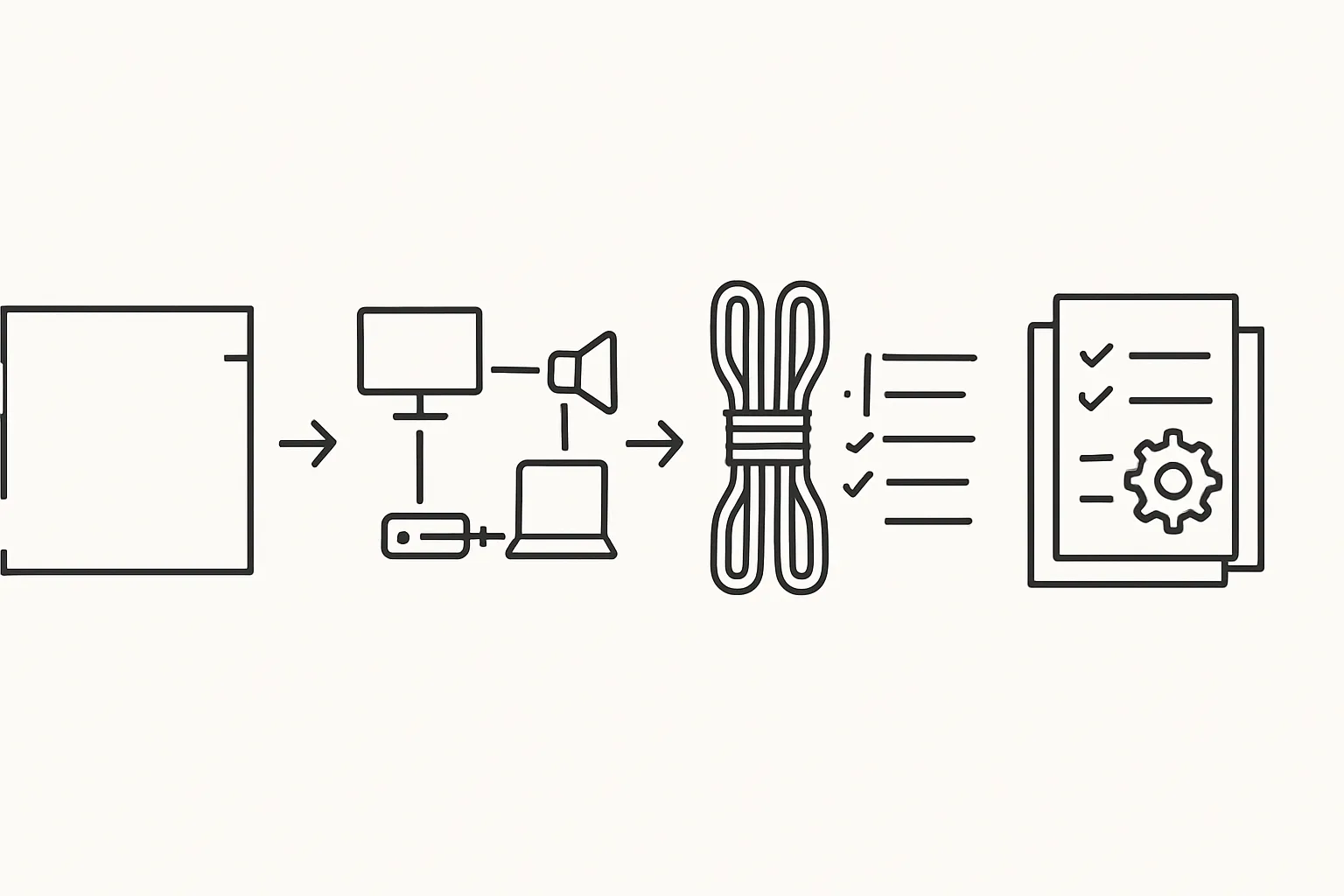
- Import the base plan (DWG/VSD/PDF) and confirm scale.
- Drop displays, mics, speakers, DSPs, switchers, control processors, and wall plates from AV-specific libraries.
- Use intelligent connectors to auto-route audio/video/data; validate ports; auto-label and schedule cables.
- Generate auto-BOM and proposal from the same project, then export install notes.
- Steps in RoomSketcher
- Lay out the room envelope, furniture, and sightlines; produce attractive 2D/3D views for stakeholders.
- Note: no AV-specific signal flow, cable schedules, or BOMs – additional manual work is needed for technical documentation.
- Outcome
- Time-to-proposal vs. time-to-visual: X-DRAW accelerates the technical package (BOM, labels, SOW), while RoomSketcher accelerates stakeholder-ready visuals. Many teams pair quick visuals with an av designer in X-DRAW to finalize the xdraw av designs.
Scenario 2: Multi-building campus AV standard
- X-DRAW workflows
- Build standard room types (huddle, medium, large, lecture hall) with reusable rules in the x-draw system.
- Apply templates across buildings; keep device selections, labels, and rack elevations consistent.
- Collaborate in real time across AV/IT, procurement, and operations; keep BOMs synchronized to reduce rework.
- RoomSketcher role
- Early space planning visuals for executive buy-in and furniture/finish coordination prior to technical av design.
- Practical handoff
- Architects and planners supply base plans and approved layouts; the av designer uses X-DRAW to finalize signals, labels, and BOMs for construction and commissioning.
What to measure
- Draft turn-around time: time from initial brief to first technical draft and proposal.
- Change order rate: frequency and cost of changes after approval.
- Install time: hours on site, including commissioning and punch-list resolution.
- Support tickets: post-install issue count and mean time to resolution.
User Reviews, Pros and Cons (3rd-Party Insights)
XTEN-AV X-DRAW
- Positives commonly cited by verified users:
- Intuitive diagramming that accelerates AV design
- Fast, customizable workflows that stay approachable
- Platform evolves quickly with frequent enhancements
- Common negative:
- Requests for more granular permission hierarchy
“XTEN-AV X-DRAW holds an overall rating of 4.7/5 on Software Advice, with users praising intuitive diagramming and fast workflows, while noting a desire for more granular user permissions.” – Source
RoomSketcher
- Positives:
- Easy-to-use 2D/3D floor plans
- Attractive visuals and renderings for client communication
- Broad device access across platforms
- Negatives:
- Limited technical/BIM depth for AV-specific needs
How to interpret reviews
- Align feedback with your must-have workflows: if signal flow, labels, and BOMs matter, X-DRAW’s automation is decisive; if concept visuals dominate, RoomSketcher fits well.
- Consider learning curve vs. automation payback: ramp-up on AV-specific features often pays dividends in fewer change orders and faster installs.
Final Verdict and Next Steps
Which one should you choose?
- Choose X-DRAW if your priority is AV system integration with signal flow diagrams, BOM automation, labeled cable schedules, and AV-ready documentation that scales across rooms and buildings.
- Choose RoomSketcher if you primarily need quick interior visuals and simple space plans without AV-specific documentation.
- Many teams combine both: RoomSketcher for early visualization; X-DRAW for technical AV design and delivery.


